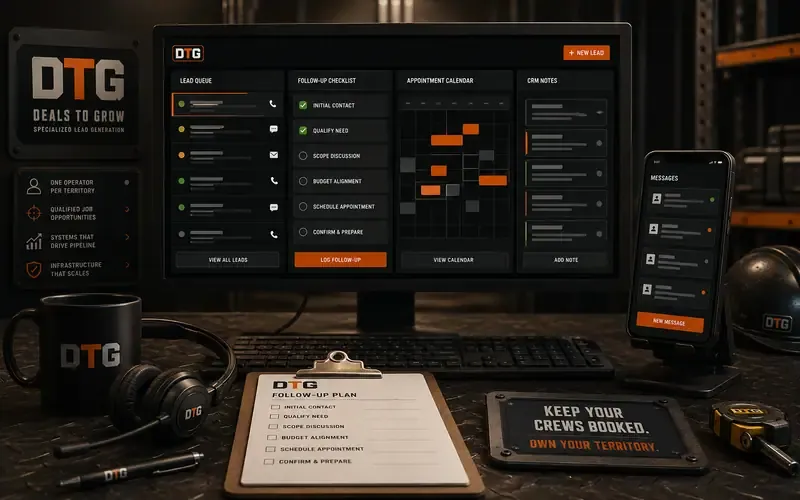
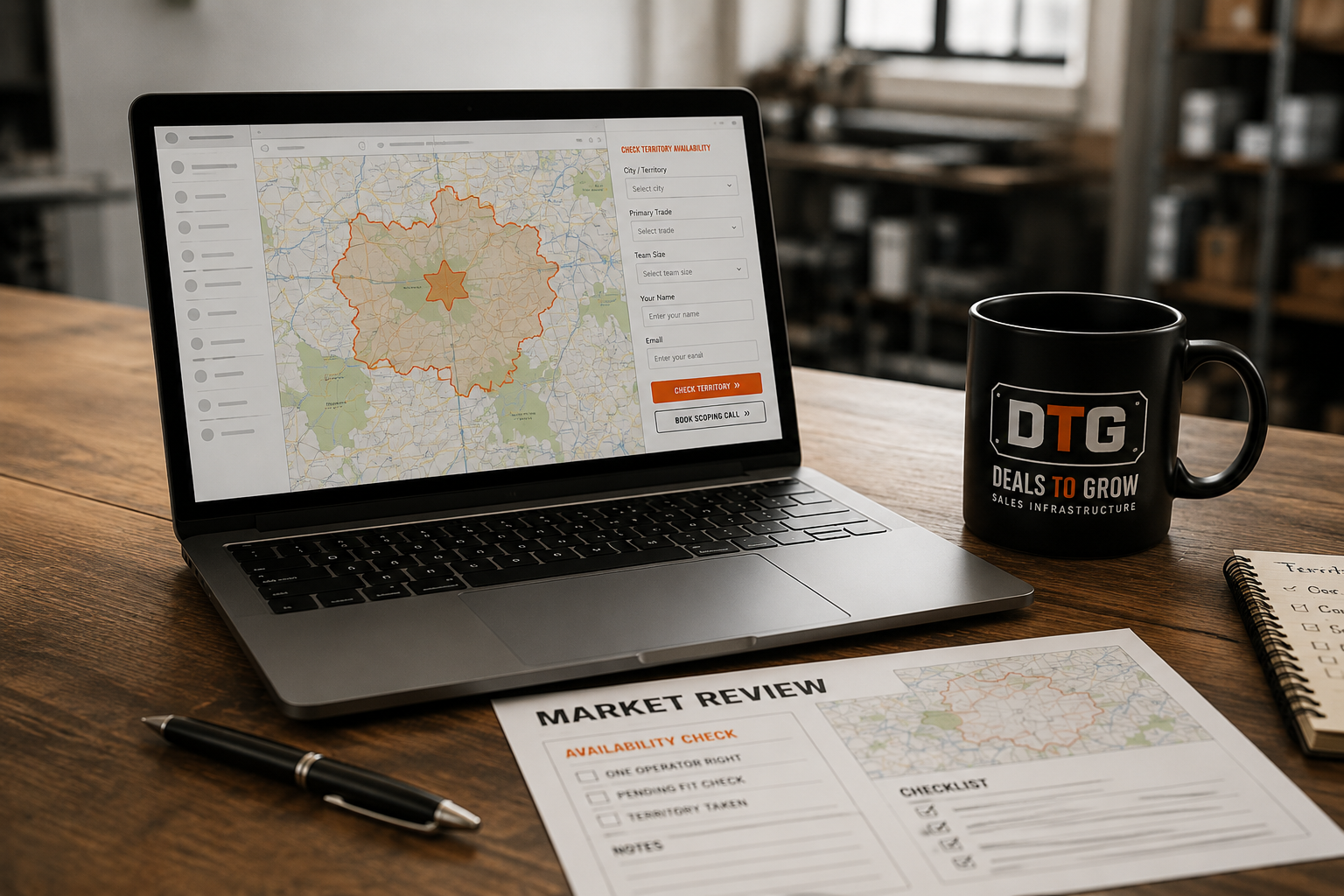
Check If Your City Is Available.
One operator per city. Find out whether your market is open for a DTG install.
- Live in 5 business days
- One operator per city
- You own every account & lead
- T-1Exclusive rights to your market
- T-2No shared leads, no overlap
- T-3Protected territory boundaries
From Submit To Booked Call.
No black box. Here's exactly what happens after you hit submit — and when.
You Submit
Tell us your city, trade, and team size. It takes about two minutes — no call required to start.
We Check Your Metro
We confirm whether your metro is open, under review, or already locked to another operator in your trade.
You Get Your Status + A Call
Within 1 business day we email your territory status and a link to book your install call if it's open.
Availability Statuses.
Every check comes back with one of three statuses for your metro and trade.
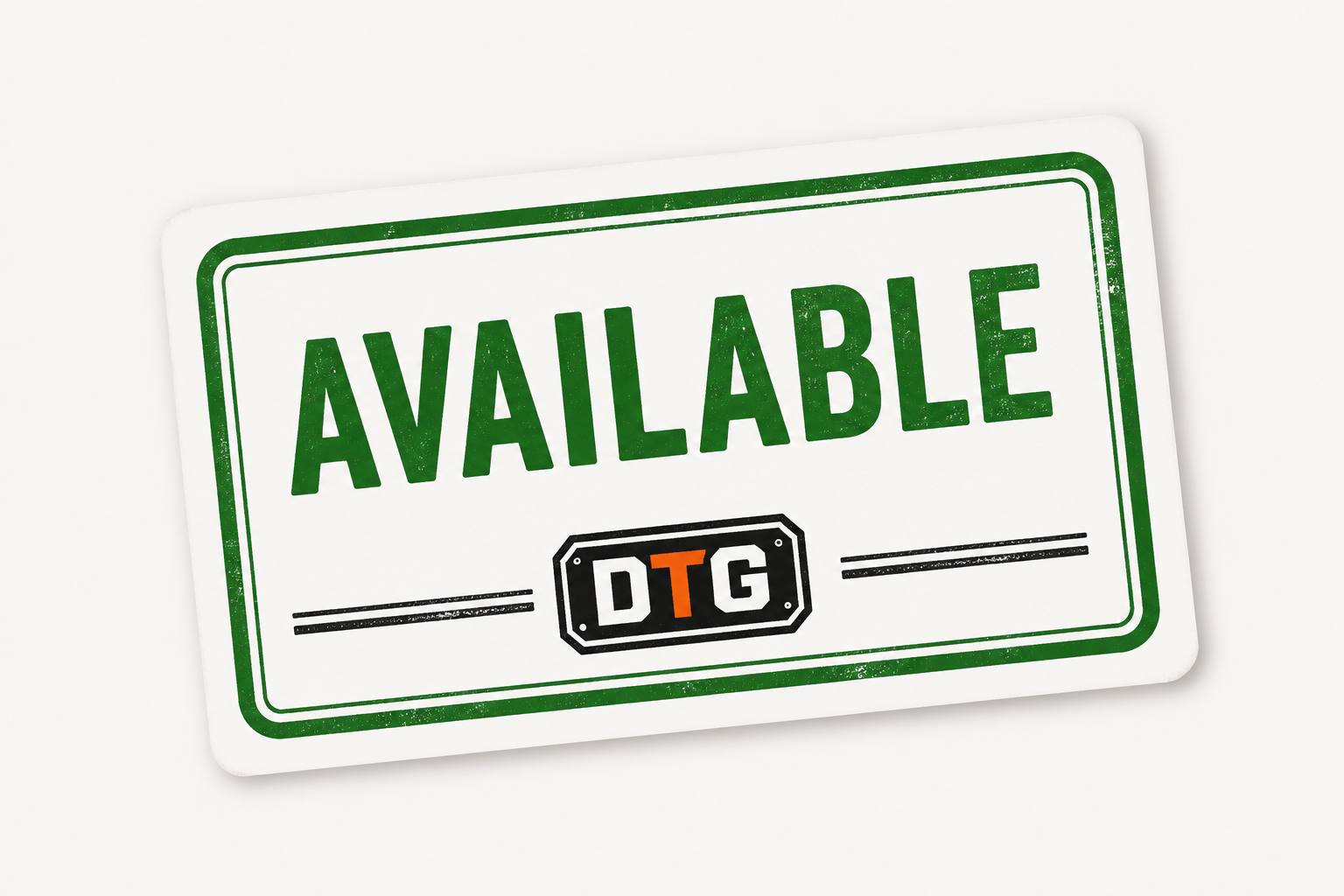
Available
This city is open and not currently operated. You can submit to request the territory.
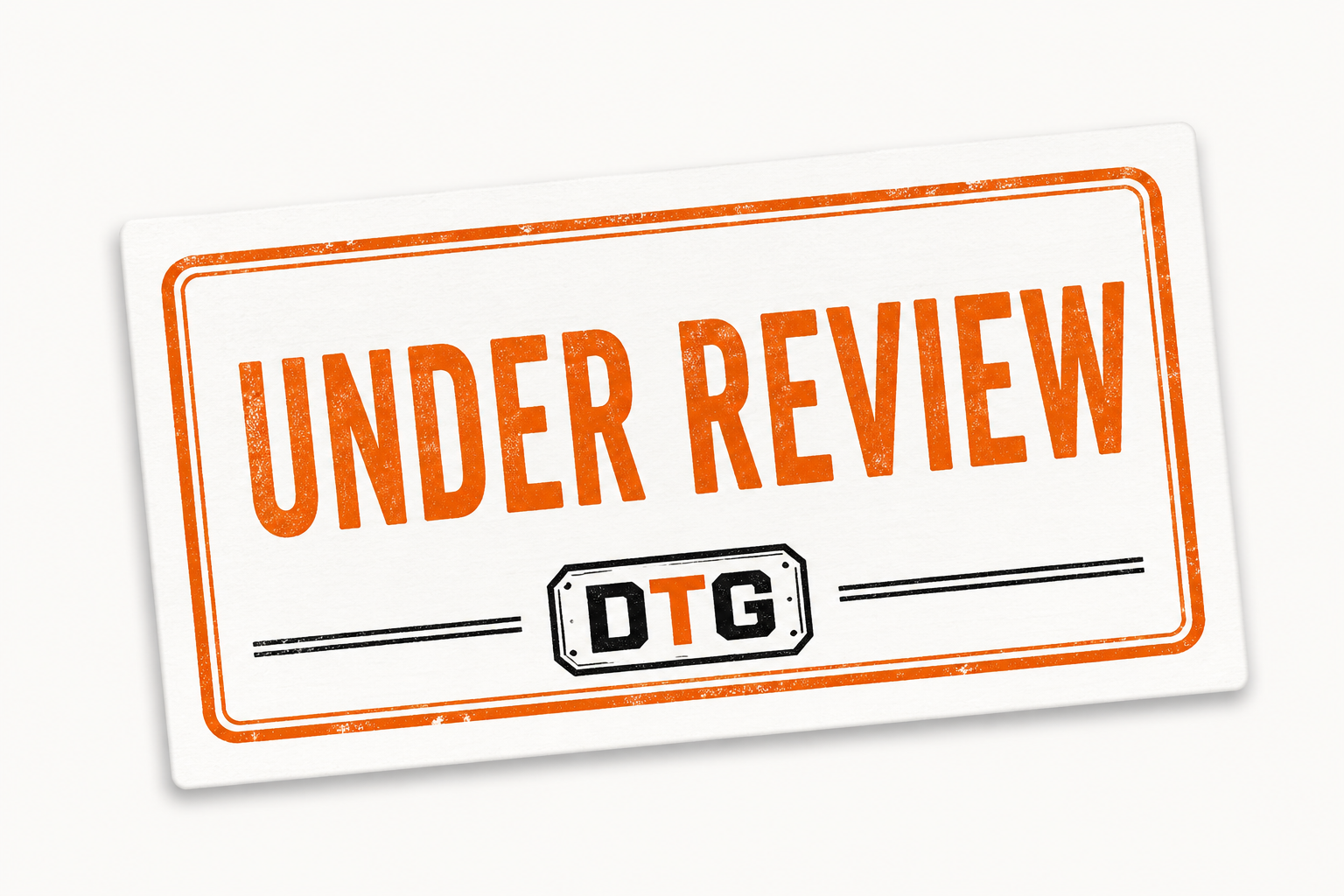
Under Review
We're reviewing this city for fit, timing, and strategic alignment.
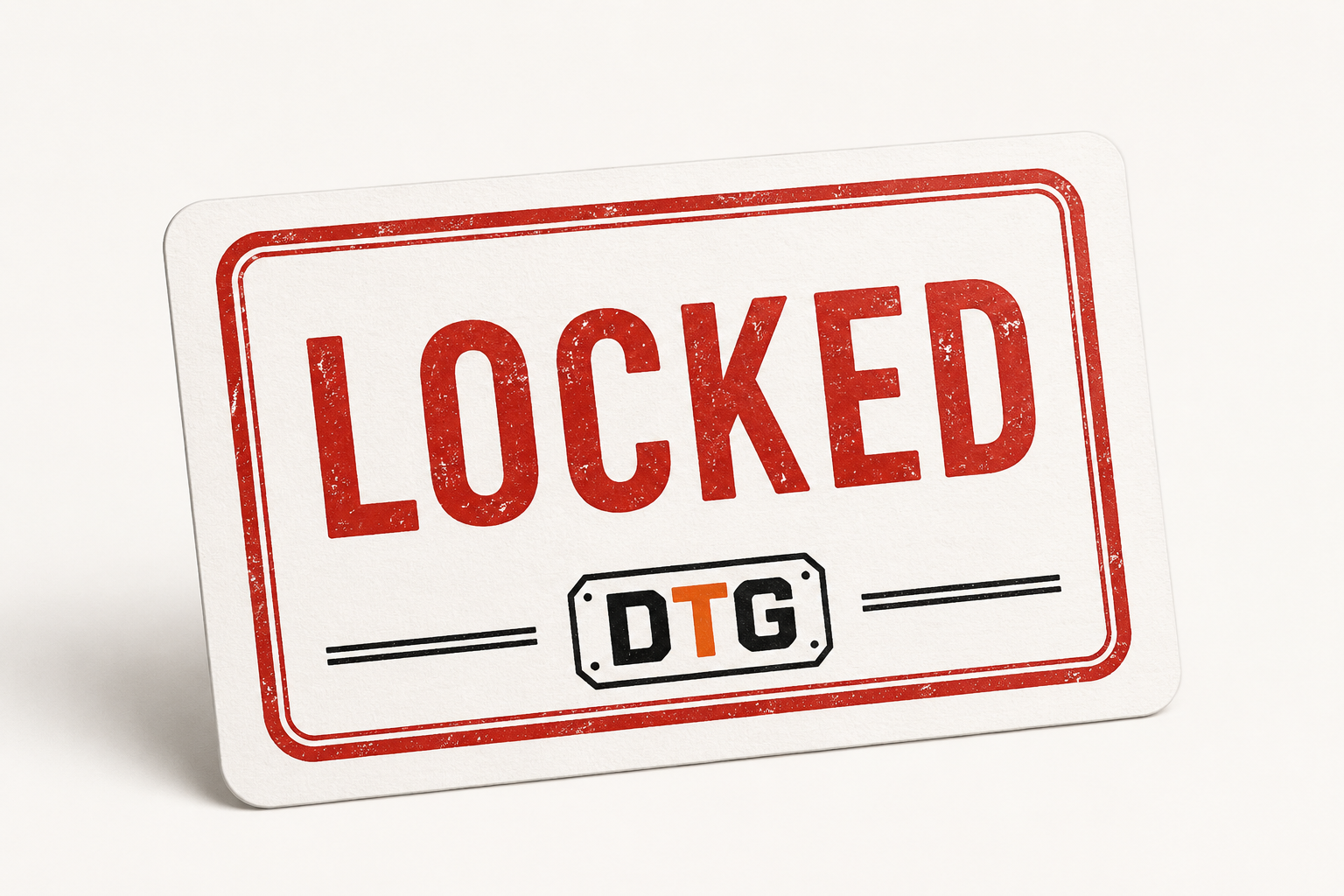
Locked
This city is already awarded to an operator. It is not available.
Statuses can change. Check back anytime, or run a quick city market fit check to see where your metro stands.
What Happens If Your City Is Open.
Quick Review
We review the market, your trade, and team to confirm initial fit.
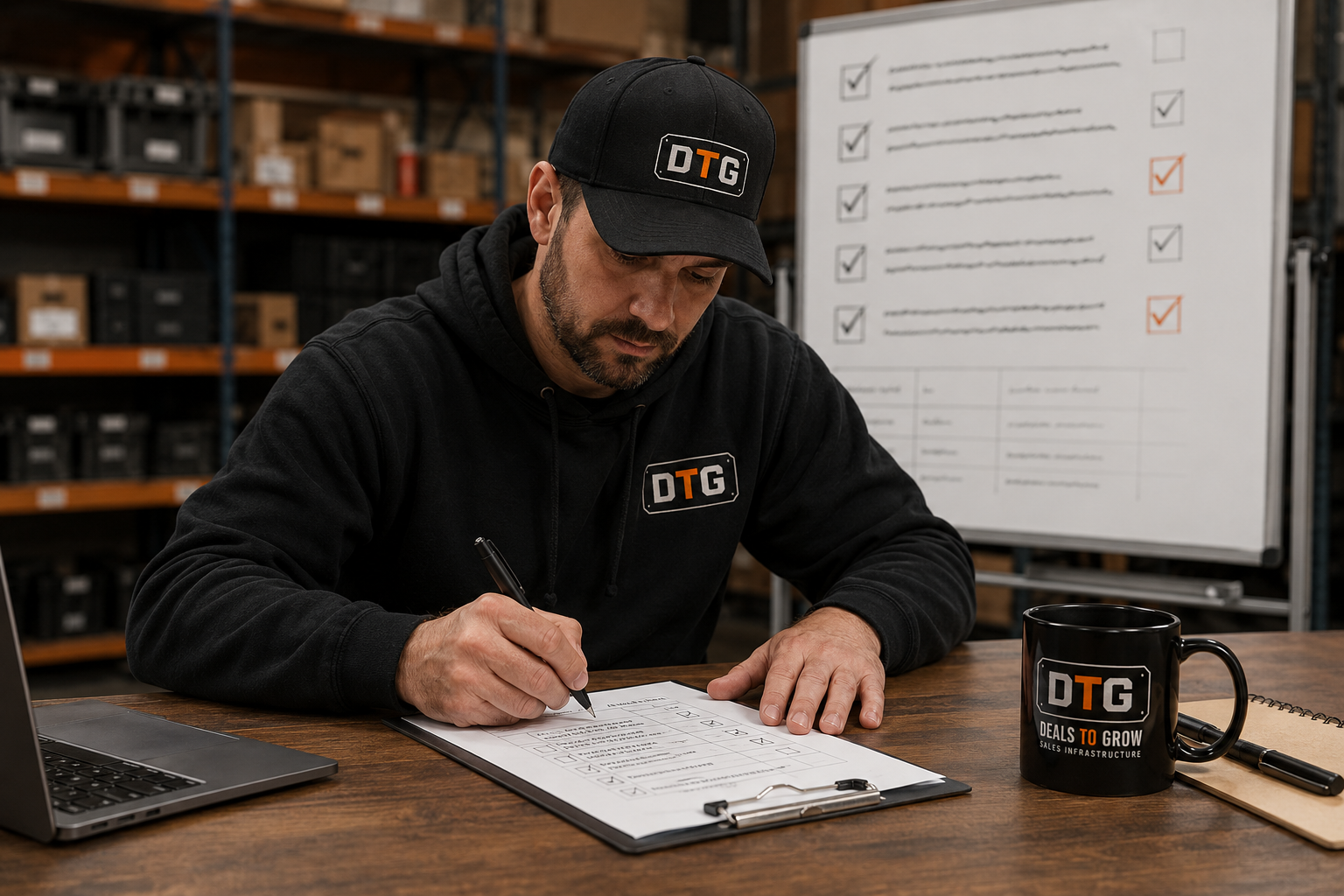
Fit Check
We validate demand, capacity, and readiness to run the DTG system.
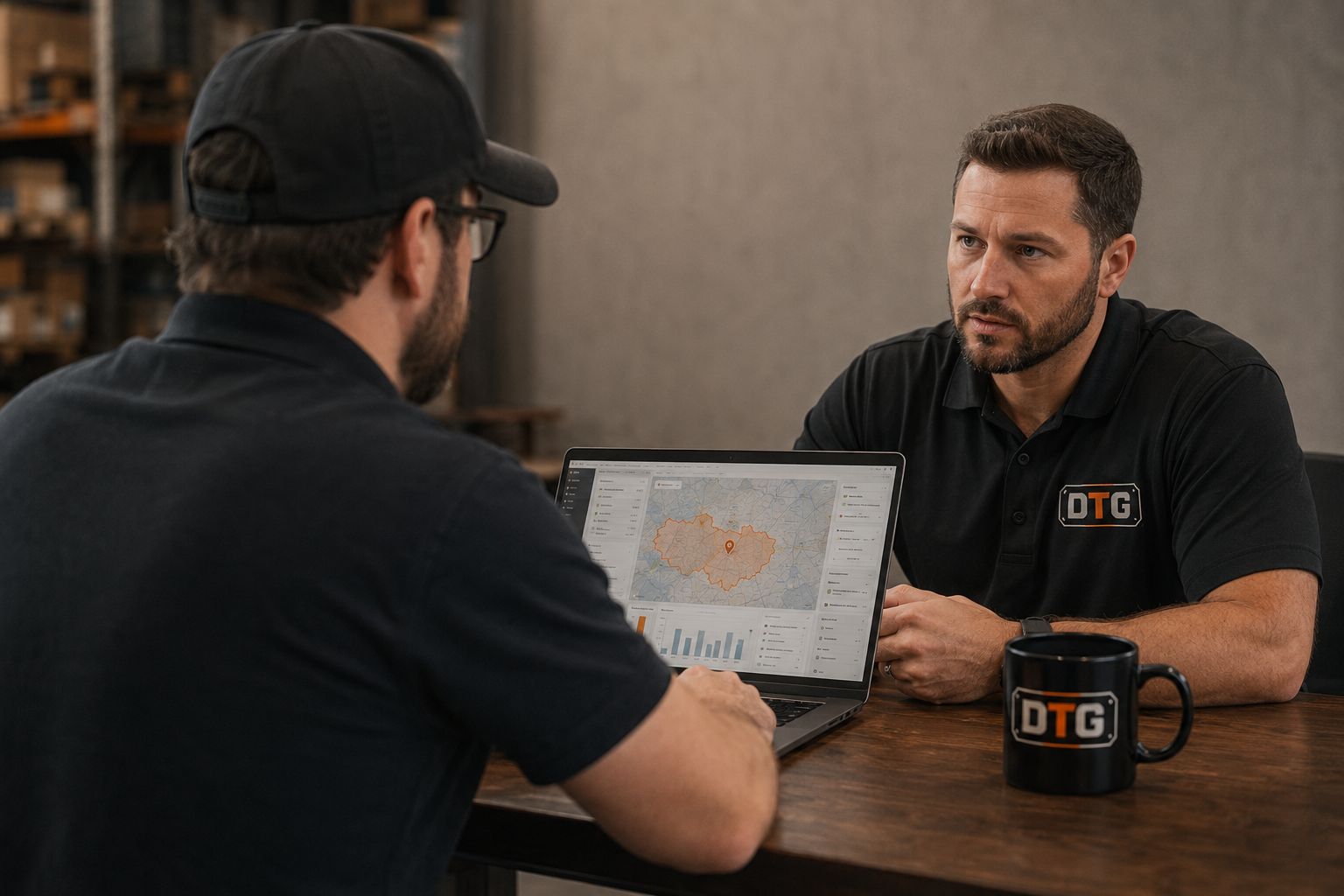
Install Call
If approved, we schedule your install and launch your system.
Straight Answers.
No. Not every city is available. Availability is based on demand, existing operators, and strategic fit.
We're evaluating the market and your team to make sure it's a strong fit for a DTG install. You'll be notified of updates.
No. All requests are subject to review. Approval is based on fit, capacity, and long-term alignment.
Check It Before Someone Else Does.
One operator per city. Lock your market before it's gone.
2-min check · We reply within 1 business day · No obligation.